
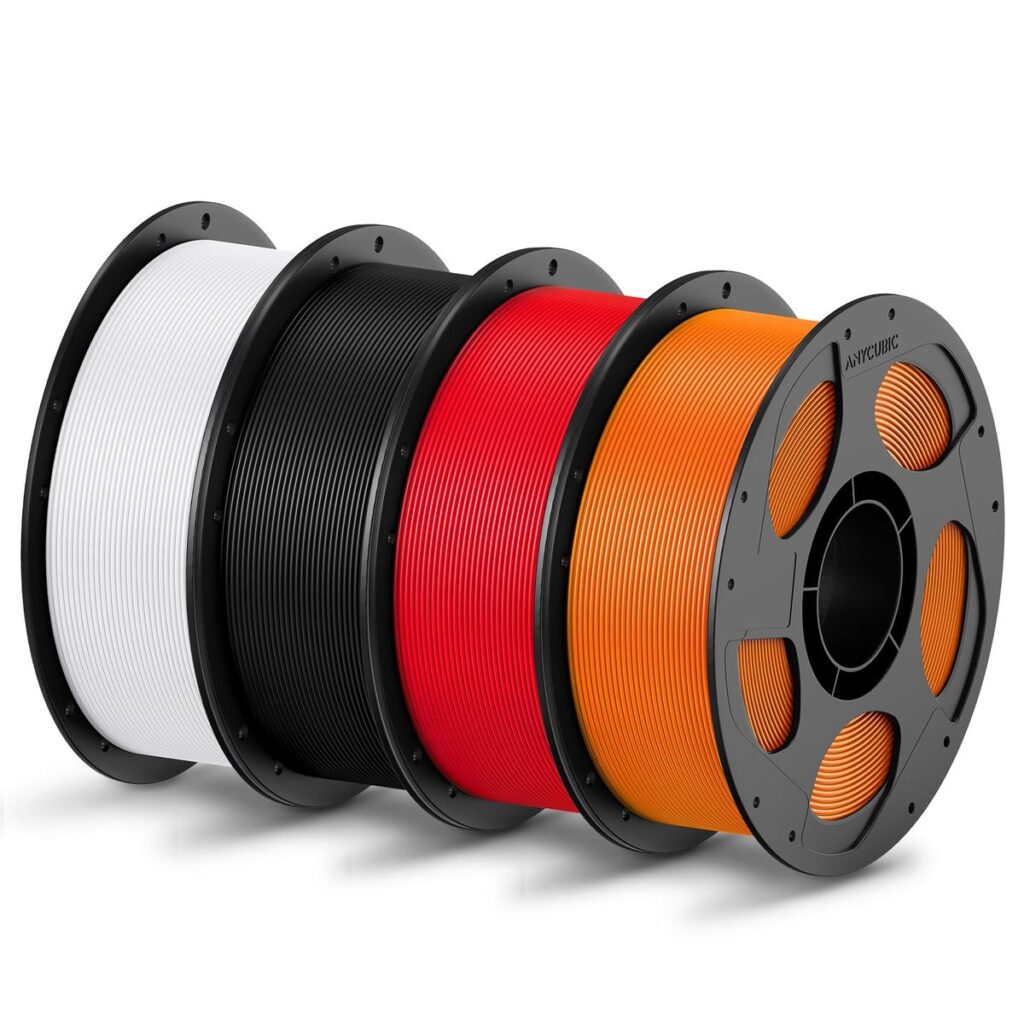
Choosing the right filament is one of the most important decisions in 3D printing. The filament you select directly affects print quality, strength, durability, surface finish, cost, and even how easy or difficult the print will be. This guide provides a comprehensive, practical overview of common and advanced 3D printing filaments, how to choose between them, and real-world tips to help you get consistent results.
1. Key Factors to Consider When Choosing a Filament
Before looking at specific materials, evaluate these core factors:
a. Mechanical Requirements
- Strength & stiffness – Is the part load-bearing or structural?
- Impact resistance – Will it be dropped or subjected to shocks?
- Flexibility – Does it need to bend or deform without breaking?
b. Thermal Requirements
- Operating temperature – Will the part be exposed to heat (e.g., car interior, electronics enclosure)?
- Heat resistance – Some filaments deform at relatively low temperatures.
c. Environmental Exposure
- UV exposure – Outdoor parts need UV-stable materials.
- Moisture & chemicals – Some filaments absorb water or degrade in humid environments.
d. Printability
- Ease of printing – Warping, bed adhesion, clogging risk.
- Printer capability – Nozzle temperature, heated bed, enclosure availability.
e. Aesthetics & Finish
- Surface quality – Matte vs glossy.
- Color availability – Standard colors, translucent, specialty finishes.
f. Cost & Availability
- Material cost per kg
- Local availability and supply consistency
2. Common 3D Printing Filaments (Beginner to Intermediate)
2.1 PLA (Polylactic Acid)
Best for: Prototypes, decorative items, educational use, low-stress parts.
Advantages:
- Very easy to print
- Low warping
- Excellent surface finish
- Low odor
- Affordable and widely available
Disadvantages:
- Low heat resistance (~55–60°C)
- Brittle under impact
- Poor outdoor durability
Typical Print Settings:
- Nozzle: 190–220°C
- Bed: 0–60°C
Practical Tip:
PLA is ideal for concept validation and visual models, but avoid it for functional parts exposed to heat or sunlight.
2.2 PETG (Polyethylene Terephthalate Glycol)
Best for: Functional parts, containers, outdoor components, light mechanical use.
Advantages:
- Stronger and more impact-resistant than PLA
- Better heat resistance (~80°C)
- Good moisture and chemical resistance
- Minimal warping
Disadvantages:
- Stringing issues if not tuned
- Surface can be slightly sticky during printing
Typical Print Settings:
- Nozzle: 220–250°C
- Bed: 70–90°C
Practical Tip:
PETG is an excellent “step-up” filament for functional prints, especially in humid or outdoor environments.
2.3 ABS (Acrylonitrile Butadiene Styrene)
Best for: Enclosures, automotive parts, durable functional components.
Advantages:
- High strength and toughness
- Good heat resistance (~95–105°C)
- Can be post-processed with acetone smoothing
Disadvantages:
- Warps easily
- Requires heated bed and enclosure
- Emits unpleasant fumes
Typical Print Settings:
- Nozzle: 230–260°C
- Bed: 90–110°C
Practical Tip:
ABS is best used only if your printer has an enclosure and good ventilation.
3. Engineering & Advanced Filaments
3.1 Nylon (PA6, PA12, Nylon Blends)
Best for: Gears, bearings, mechanical parts, high-stress applications.
Advantages:
- Very strong and tough
- Excellent wear resistance
- Good chemical resistance
Disadvantages:
- Highly hygroscopic (absorbs moisture)
- Difficult to print without experience
- Requires high temperatures
Typical Print Settings:
- Nozzle: 250–300°C
- Bed: 70–100°C
Practical Tip:
Always dry nylon filament before printing and store it in airtight containers.
3.2 TPU / TPE (Flexible Filaments)
Best for: Gaskets, phone cases, vibration dampers, seals.
Advantages:
- Highly flexible and elastic
- Good abrasion resistance
Disadvantages:
- Challenging on Bowden extruders
- Slow print speeds required
Typical Print Settings:
- Nozzle: 210–240°C
- Bed: 30–60°C
Practical Tip:
Direct-drive extruders handle TPU much better than Bowden setups.
3.3 Carbon Fiber Reinforced Filaments (PLA-CF, PETG-CF, Nylon-CF)
Best for: Lightweight structural parts, drone frames, jigs and fixtures.
Advantages:
- High stiffness
- Reduced warping
- Professional matte finish
Disadvantages:
- Abrasive (requires hardened steel nozzle)
- More expensive
- Can be brittle depending on base polymer
Typical Print Settings:
- Nozzle: 220–300°C (depends on base material)
- Bed: 60–100°C
Practical Tip:
Use carbon-fiber filaments when stiffness matters more than impact resistance.
4. Specialty Filaments
- ASA – Similar to ABS but with superior UV resistance (ideal for outdoor parts).
- Polycarbonate (PC) – Extremely strong and heat-resistant but very challenging to print.
- Wood-filled – Aesthetic prints with wood-like texture; low structural strength.
- Metal-filled – Heavy, decorative prints that can be polished.
- Conductive filaments – Low-voltage electronics and sensors.
5. Filament Selection by Application
| Application | Recommended Filament |
|---|---|
| Visual prototypes | PLA |
| Functional indoor parts | PETG, ABS |
| Outdoor parts | PETG, ASA |
| High-strength mechanical parts | Nylon, Nylon-CF |
| Flexible components | TPU |
| Lightweight rigid structures | PETG-CF, Nylon-CF |
6. Storage and Handling of Filament
Proper storage is critical for consistent results:
- Store filaments in airtight containers with desiccants
- Dry hygroscopic filaments (Nylon, TPU, PETG) before use
- Avoid prolonged exposure to humidity and heat
Practical Note:
In humid climates, filament dryers are not optional—they are essential.
7. Cost vs Performance Trade-Off
- PLA & PETG: Best value for most users
- ABS & ASA: Moderate cost, higher requirements
- Nylon & composites: Higher cost but superior performance
Always balance performance needs against print complexity and material cost.
8. Final Recommendations
- Start with PLA to learn your printer
- Move to PETG for functional parts
- Use engineering filaments only when their properties are truly required
- Invest in proper storage and hardened nozzles for advanced materials
Selecting the right filament is about understanding your application, your printer’s capabilities, and the environment in which the part will be used. With the right choice, you’ll achieve stronger, cleaner, and more reliable prints every time.